当前位置:网站首页>Electron应用使用electron-builder配合electron-updater实现自动更新
Electron应用使用electron-builder配合electron-updater实现自动更新
2020-11-06 01:22:55 【:::::::】
开发客户端一定要做的就是自动更新模块,否则每次版本升级都是一个头疼的事。 下面是Electron应用使用electron-builder配合electron-updater实现自动更新的解决方案。
1.安装 electron-updater 包模块
npm install electron-updater --save
2.配置package.json文件 2.1 为了打包时生成latest.yml文件,需要在 build 参数中添加 publish 配置。
  "build": {
    "productName": "***",//隐藏软件名称
    "appId": "**",//隐藏appid
    "directories": {
      "output": "build"
    },
    "publish": [
      {
        "provider": "generic",
        "url": "http://**.**.**.**:3002/download/",//隐藏版本服务器地址
      }
    ],
    "files": [
      "dist/electron/**/*"
    ],
    "dmg": {
      "contents": [
        {
          "x": 410,
          "y": 150,
          "type": "link",
          "path": "/Applications"
        },
        {
          "x": 130,
          "y": 150,
          "type": "file"
        }
      ]
    },
    "mac": {
      "icon": "build/icons/icon.icns",
      "artifactName": "${productName}_setup_${version}.${ext}"
    },
    "win": {
      "icon": "build/icons/icon.ico",
      "artifactName": "${productName}_setup_${version}.${ext}"
    },
    "linux": {
      "icon": "build/icons",
      "artifactName": "${productName}_setup_${version}.${ext}"
    }
  }
注意:配置了publish才会生成latest.yml文件,用于自动更新的配置信息;latest.yml文件是打包过程生成的文件,为避免自动更新出错,打包后禁止对latest.yml文件做任何修改。如果文件有误,必须重新打包获取新的latest.yml文件!!!
2.2 增加nsis配置(可省略) nsis配置不会影响自动更新功能,但是可以优化用户体验,比如是否允许用户自定义安装位置、是否添加桌面快捷方式、安装完成是否立即启动、配置安装图标等。nsis 配置也是添加在 build 参数中。
"nsis": {
      "oneClick": true,
      "perMachine": true,
      "allowElevation": true,
      "allowToChangeInstallationDirectory": true,
      "createDesktopShortcut": true,
      "runAfterFinish": true,
      "installerIcon": "./build/icon.ico",
      "uninstallerIcon": "./build/icon.ico"
    },
3.配置主进程main.js文件(或主进程main中的index.js文件),引入 electron-updater 文件,添加自动更新检测和事件监听: 注意:一定要是主进程main.js文件(或主进程main中的index.js文件),否则会报错。
import { app, BrowserWindow, ipcMain } from 'electron'
// 注意这个autoUpdater不是electron中的autoUpdater
import { autoUpdater } from "electron-updater"
import {uploadUrl} from "../renderer/config/config";
// 检测更新,在你想要检查更新的时候执行,renderer事件触发后的操作自行编写
function updateHandle() {
  let message = {
    error: '检查更新出错',
    checking: '正在检查更新……',
    updateAva: '检测到新版本,正在下载……',
    updateNotAva: '现在使用的就是最新版本,不用更新',
  };
  const os = require('os');
  autoUpdater.setFeedURL(uploadUrl);
  autoUpdater.on('error', function (error) {
    sendUpdateMessage(message.error)
  });
  autoUpdater.on('checking-for-update', function () {
    sendUpdateMessage(message.checking)
  });
  autoUpdater.on('update-available', function (info) {
    sendUpdateMessage(message.updateAva)
  });
  autoUpdater.on('update-not-available', function (info) {
    sendUpdateMessage(message.updateNotAva)
  });
  // 更新下载进度事件
  autoUpdater.on('download-progress', function (progressObj) {
    mainWindow.webContents.send('downloadProgress', progressObj)
  })
  autoUpdater.on('update-downloaded', function (event, releaseNotes, releaseName, releaseDate, updateUrl, quitAndUpdate) {
    ipcMain.on('isUpdateNow', (e, arg) => {
      console.log(arguments);
      console.log("开始更新");
      //some code here to handle event
      autoUpdater.quitAndInstall();
    });
    mainWindow.webContents.send('isUpdateNow')
  });
  ipcMain.on("checkForUpdate",()=>{
      //执行自动更新检查
      autoUpdater.checkForUpdates();
  })
}
// 通过main进程发送事件给renderer进程,提示更新信息
function sendUpdateMessage(text) {
  mainWindow.webContents.send('message', text)
}
注:在添加自动更新检测和事件监听之后,在主进程createWindow中需要调用一下updateHandle()。如下图所示:
4.在视图(View)层中触发自动更新,并添加自动更新事件的监听。 触发自动更新:
ipcRenderer.send("checkForUpdate");
监听自动更新事件:
  import { ipcRenderer } from "electron";
  ipcRenderer.on("message", (event, text) => {
            console.log(arguments);
            this.tips = text;
        });
        //注意:“downloadProgress”事件可能存在无法触发的问题,只需要限制一下下载网速就好了
        ipcRenderer.on("downloadProgress", (event, progressObj)=> {
            console.log(progressObj);
            this.downloadPercent = progressObj.percent || 0;
        });
        ipcRenderer.on("isUpdateNow", () => {
            ipcRenderer.send("isUpdateNow");
        });
注意:子进程中“downloadProgress”事件可能出现无法触发的问题,那是因为下载速度很快,就会跳过“downloadProgress”事件;只需要限制一下本地下载网速就好了!
为避免多次切换页面造成监听的滥用,切换页面前必须移除监听事件:
//组件销毁前移除所有事件监听channel
        ipcRenderer.removeAll(["message", "downloadProgress", "isUpdateNow"]);//remove只能移除单个事件,单独封装removeAll移除所有事件
5.项目打包 执行electron-builder进行打包,windows下会生成安装包exe和latest.yml等文件,执行exe安装软件;Mac下会生成安装包dmg、zip和latest-mac.yml文件,执行dmg安装软件。 注意:mac上不签名也可以打包成功,但是涉及到自动更新等需要身份认证的功能则不能用,也不能发布到mac app store中。所以说经过代码签名的MAC包才是完整的包。我们这里一定是经过代码签名的完整包!切记! 具体打包流程请参考:Electron 桌面应用打包(npm run build)简述(windows + mac) MAC打包中报Error: Could not get code signature for running application错误可参考:Electron 打包Mac安装包代码签名问题解决方案 windows打包生成文件:
Mac打包生成文件:
6.软件升级版本,修改package.json中的version属性,例如:改为 version: “1.1.0” (之前为1.0.0); 7.再次执行electron-builder打包,Windows下将新版本latest.yml文件和exe文件(MAC下将latest-mac.yml,zip和dmg文件)放到package.json中build -> publish中的url对应的地址下; 8.在应用中触发更新检查,electron-updater自动会通过对应url下的yml文件检查更新;
windows上自动更新示例:
mac上自动更新示例:
附:项目目录层次:
如果这篇文章对你的工作或者学习有帮助的话,请收藏或点个赞。如果对其中有什么不明白的或者报错,可以留言或者加交流。
注意:请支持原创,本文谢绝转载,确有需要可链接到本文。本文链接地址:https://segmentfault.com/a/11...
本文参与腾讯云自媒体分享计划,欢迎正在阅读的你也加入,一起分享。
版权声明
本文为[:::::::]所创,转载请带上原文链接,感谢
https://cloud.tencent.com/developer/article/1715163
边栏推荐
- C++ 数字、string和char*的转换
- C++学习——centos7上部署C++开发环境
- C++学习——一步步学会写Makefile
- C++学习——临时对象的产生与优化
- C++学习——对象的引用的用法
- C++编程经验(6):使用C++风格的类型转换
- Won the CKA + CKS certificate with the highest gold content in kubernetes in 31 days!
- C + + number, string and char * conversion
- C + + Learning -- capacity() and resize() in C + +
- C + + Learning -- about code performance optimization
猜你喜欢
-
C + + programming experience (6): using C + + style type conversion
-

Latest party and government work report ppt - Park ppt
-
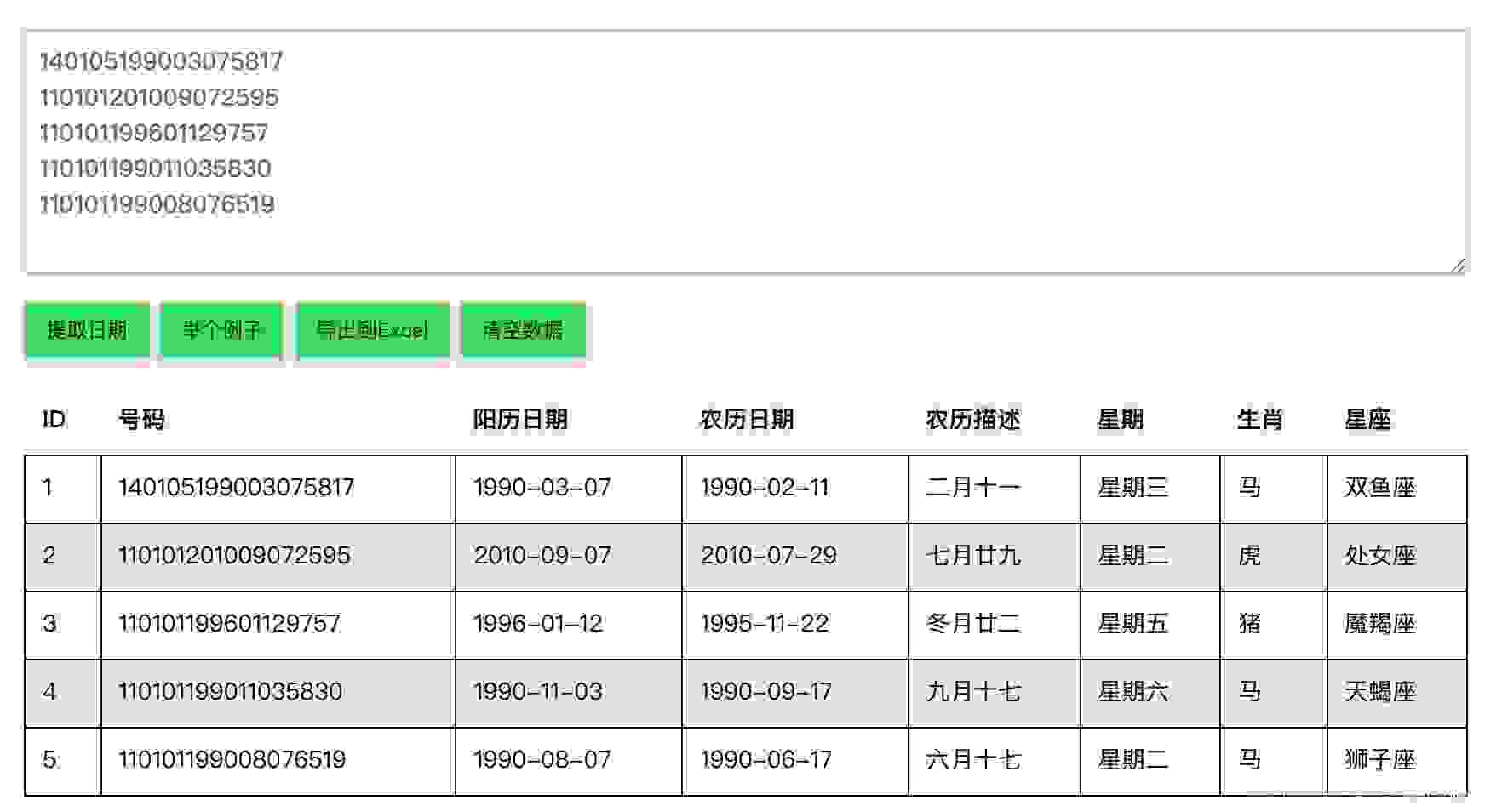
在线身份证号码提取生日工具
-
Online ID number extraction birthday tool
-
️野指针?悬空指针?️ 一文带你搞懂!
-
Field pointer? Dangling pointer? This article will help you understand!
-
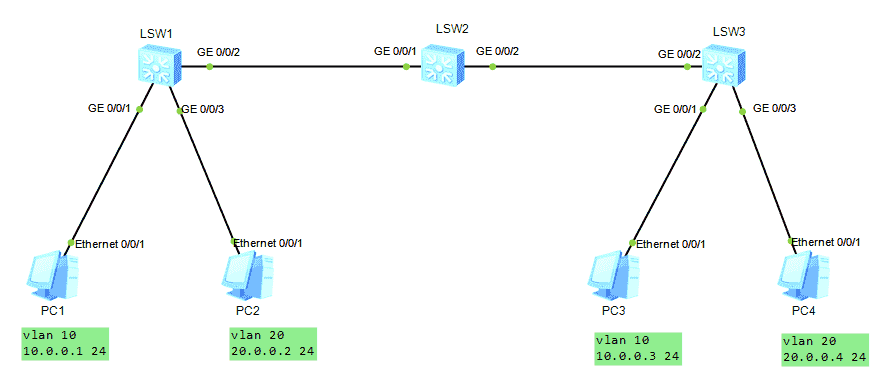
HCNA Routing&Switching之GVRP
-
GVRP of hcna Routing & Switching
-
Seq2Seq实现闲聊机器人
-
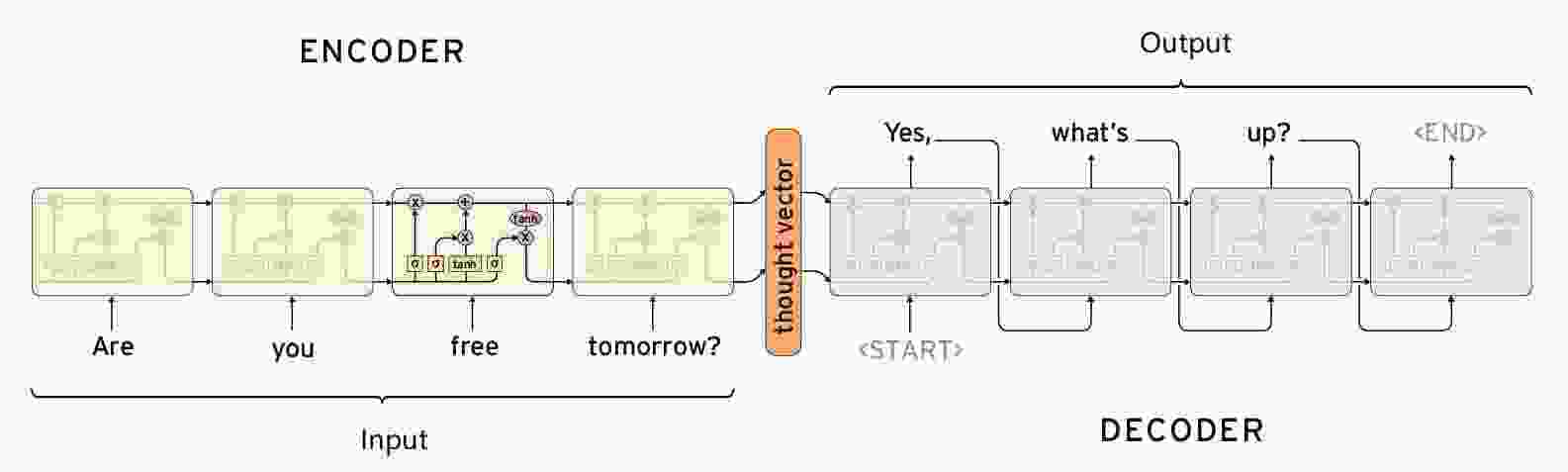
【闲聊机器人】seq2seq模型的原理
随机推荐
- LeetCode 91. 解码方法
- Seq2seq implements chat robot
- [chat robot] principle of seq2seq model
- Leetcode 91. Decoding method
- HCNA Routing&Switching之GVRP
- GVRP of hcna Routing & Switching
- HDU7016 Random Walk 2
- [Code+#1]Yazid 的新生舞会
- CF1548C The Three Little Pigs
- HDU7033 Typing Contest
- HDU7016 Random Walk 2
- [code + 1] Yazid's freshman ball
- CF1548C The Three Little Pigs
- HDU7033 Typing Contest
- Qt Creator 自动补齐变慢的解决
- HALCON 20.11:如何处理标定助手品质问题
- HALCON 20.11:标定助手使用注意事项
- Solution of QT creator's automatic replenishment slowing down
- Halcon 20.11: how to deal with the quality problem of calibration assistant
- Halcon 20.11: precautions for use of calibration assistant
- “十大科学技术问题”揭晓!|青年科学家50²论坛
- "Top ten scientific and technological issues" announced| Young scientists 50 ² forum
- 求反转链表
- Reverse linked list
- js的数据类型
- JS data type
- 记一次文件读写遇到的bug
- Remember the bug encountered in reading and writing a file
- 单例模式
- Singleton mode
- 在这个 N 多编程语言争霸的世界,C++ 究竟还有没有未来?
- In this world of N programming languages, is there a future for C + +?
- es6模板字符
- js Promise
- js 数组方法 回顾
- ES6 template characters
- js Promise
- JS array method review
- 【Golang】️走进 Go 语言️ 第一课 Hello World
- [golang] go into go language lesson 1 Hello World